








What is the Phishing Alert Button?!
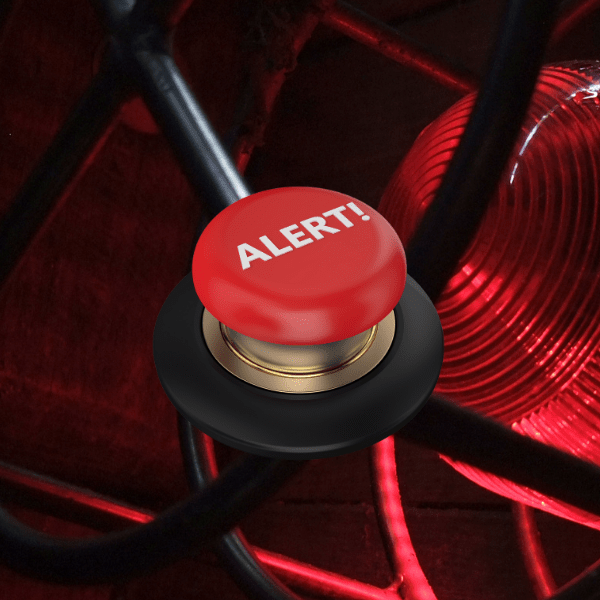
The Phishing Alert Button (PAB) is a tool that allows you to report potentially malicious emails, also known as phishing emails. It is a standalone real-time cyber risk management device that plays an essential role in reporting, management, and strategic anticipation, while providing real-time alerts in the event of a cyberattack.
Why use the Phishing Alert Button?
When you receive an email that seems suspicious or appears to be phishing, you can use the Phishing Alert Button (PAB) to report it. The PAB allows you to:
- Notify your organization's Chief Information Security Officer (CISO): The CISO will receive the suspicious email file (for example, in .eml format) in their incident management tool. This will enable them to take specific measures, such as blocking an IP address or implementing additional security measures.
- Recognize users who have detected a phishing attempt: The Phishing Alert Button also allows you to congratulate users who have successfully thwarted an attack by reporting the suspicious email. This encourages a culture of vigilance within the organization and strengthens overall security.
Adopting the BAP by your team members enables the CISO to detect signals that could indicate an imminent cyberattack or to be notified within seconds in the event of a massive attack in progress. In conclusion, the Phishing Alert Button is a valuable tool for reporting suspicious emails and strengthening your organization's security against cyberattacks. By using it, you play an active role in protecting your digital environment.
How to use the Phishing Alert Button?
Your organization has installed the BAP for Microsoft Outlook, and you should see it in your inbox. The BAP appears as an icon at the top of your Microsoft Outlook client or as a tab that you can click on when you open an email.
CIOs, CISOs, DPOs, request a free demonstration of the fully automated phishing awareness solution: